
The same business context is re-entered across spreadsheets, messages or separate tools.
NETWELOP ERP / BUSINESS OPERATIONS PLATFORM
Connect the operation
before adding more tools.
NetWelop ERP is evaluated as a connected operating context for business workflows. The first decision is not how many modules can be added—it is whether the product boundary actually fits the work.
WHEN ERP STARTS TO MATTER
The problem is rarely one missing feature.
It is the context between the work.
ERP becomes worth evaluating when fragmented records, handoffs and visibility begin to create operational friction across the business.
Handoffs depend on people remembering who owns the next step.
Reports require collecting information from several places before anyone can act.
Each tool solves a slice of the work, but the operating context remains scattered.
OPERATING SPINE / CONCEPTUAL BUYER MAP
Move from scattered activity
to one clearer operating context.
This map explains the evaluation idea—not a promise that every connection exists in every configuration. Current capability and integration scope are validated before they become product claims.
business context validated fit boundary
EVALUATION FAMILIES
Evaluate capability by
business job, not module count.
These families organize the current product conversation. Exact workflows, roles and connections are confirmed against the current build before they become scope.
Relationships & commercial flow
Contacts, accounts and sales-related workflows are evaluated as one business context rather than isolated screens.
Revenue & financial execution
Invoicing and payment-related flows can be reviewed where they are part of the validated product scope; this does not imply complete accounting-suite coverage.
Product & inventory operations
Product, inventory and warehouse-related workflows are validated against the organization’s actual movement of information and responsibility.
Work coordination
Projects, tasks, boards, messages and handoffs are considered where the current product model supports the required workflow.
Visibility & control
Reporting and role visibility are evaluated against the decisions people actually need to make.
Extensions & connections
Integration and automation scope is named only after current interfaces, dependencies and constraints are confirmed.
FIT FIRST / NOT ERP FIRST
Use the product when it fits.
Change the route when it does not.
Validated workflows fit the outcome.
Configuration is proportionate, constraints are acceptable and the product boundary remains cleaner than bespoke architecture.
Evaluate ERP fit ↗The operation is materially specialized.
Differentiated workflows, bespoke integrations or ownership requirements justify purpose-built architecture.
Explore Custom Software ↗The answer is mixed or still unclear.
Start from the business problem and validate the boundary before choosing Product or Service.
Start discovery ↗PRODUCT EVIDENCE
Evaluate the product through
the work it actually supports.
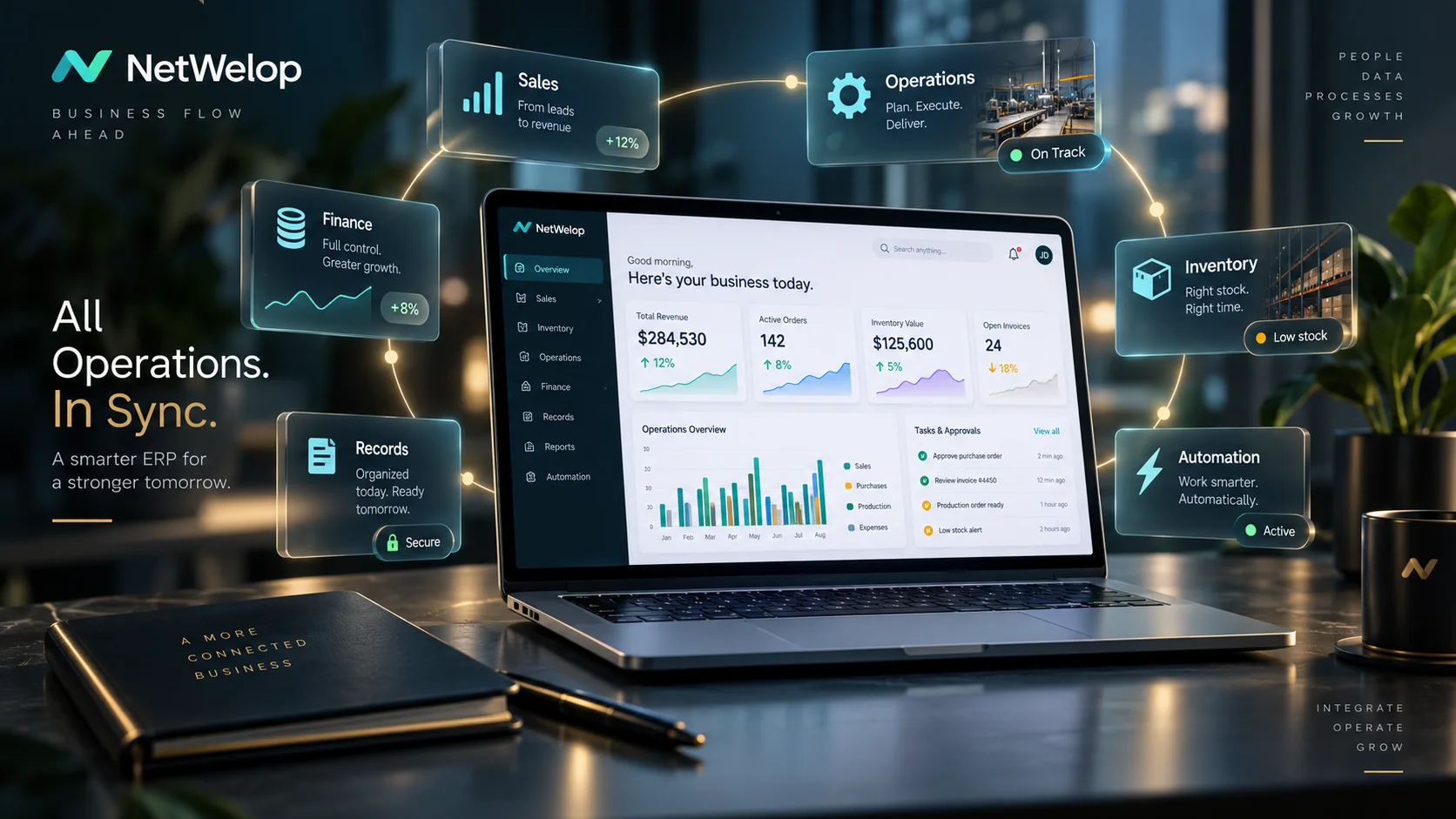
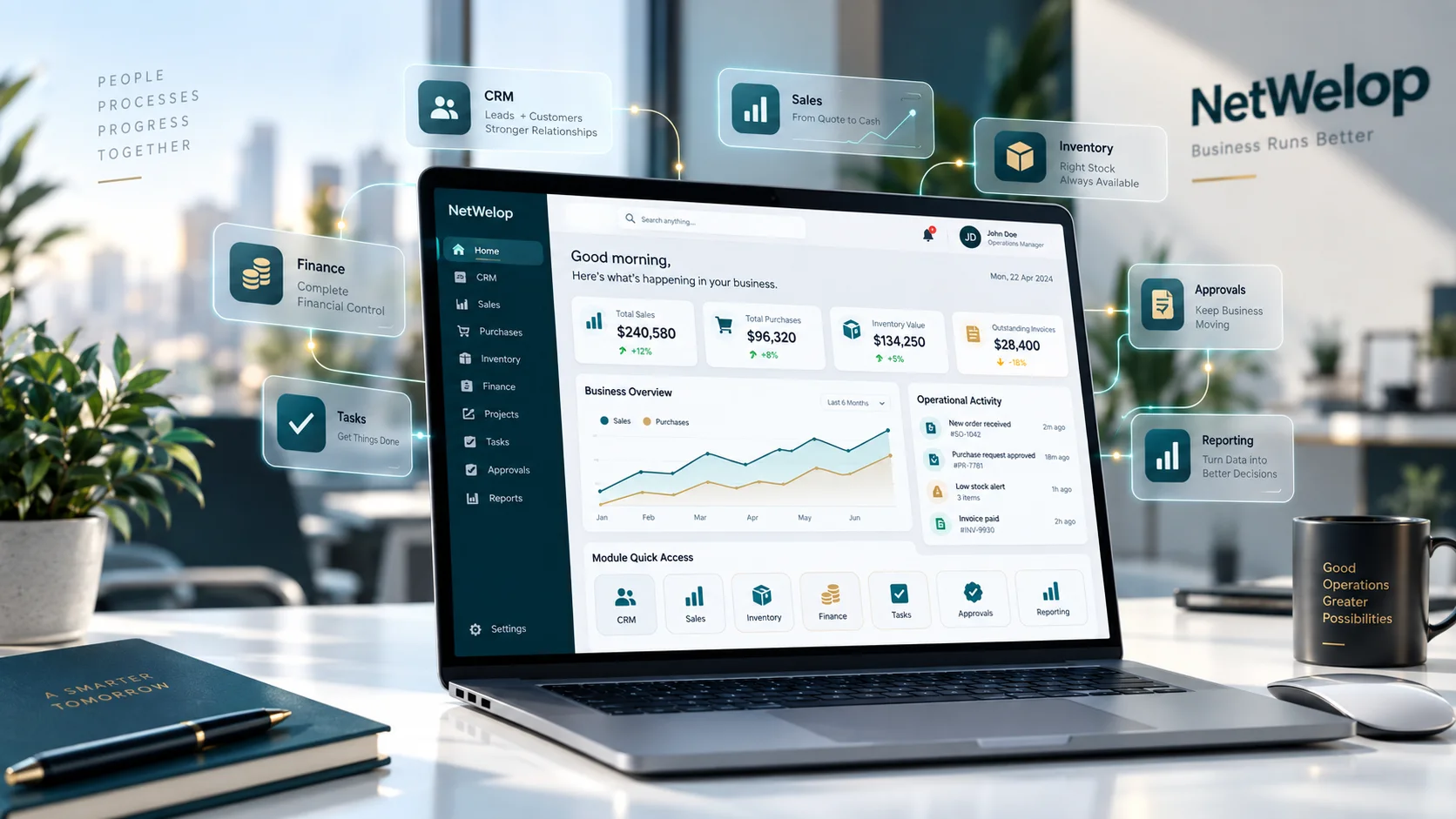
Real product evidence should make workflows, responsibilities and decision points easier to inspect. Concept presentation can explain the operating idea, but implementation decisions are based on current product evidence and validated scope.
Concept art stays labelled.
Private operational data stays private.
Commercial and implementation facts follow validated scope.
EVALUATION PATH
A product decision should get clearer
before implementation begins.
01Understand the operation
Map the business problem, responsibilities and important handoffs.
02Validate product fit
Compare the requirement with current ERP workflows and known constraints.
03Review evidence
Inspect the relevant product context and decision surfaces at a safe depth.
04Define the boundary
Separate configuration, integration and any justified custom work.
05Scope the next step
Only then define implementation and commercial decisions.
ERP QUESTIONS
Resolve fit before
you compare features.
Is NetWelop ERP always the first recommendation for operational software?+
No. Fit comes first. If the workflow is materially specialized or the product would require disproportionate customization, Custom Software may be the better route.
Does this page show the live ERP interface?+
No. The imagery and operating map on this page are illustrative. Current product evidence is reviewed at the appropriate depth during evaluation and is kept separate from concept presentation.
Can you quote implementation time or pricing from this page?+
Not responsibly. Configuration, migration, integrations, hosting and commercial scope depend on the validated fit and are defined after the operating context is understood.
What happens if the requirement is partly ERP and partly custom?+
That is treated as a hybrid discovery problem. We validate the product boundary first, then decide whether approved configuration, integration or a purpose-built system is the cleaner architecture.
START WITH THE OPERATION
Bring us the workflow.
We will decide whether ERP actually fits.
The next step is a fit conversation—not a forced product pitch or an instant implementation promise.